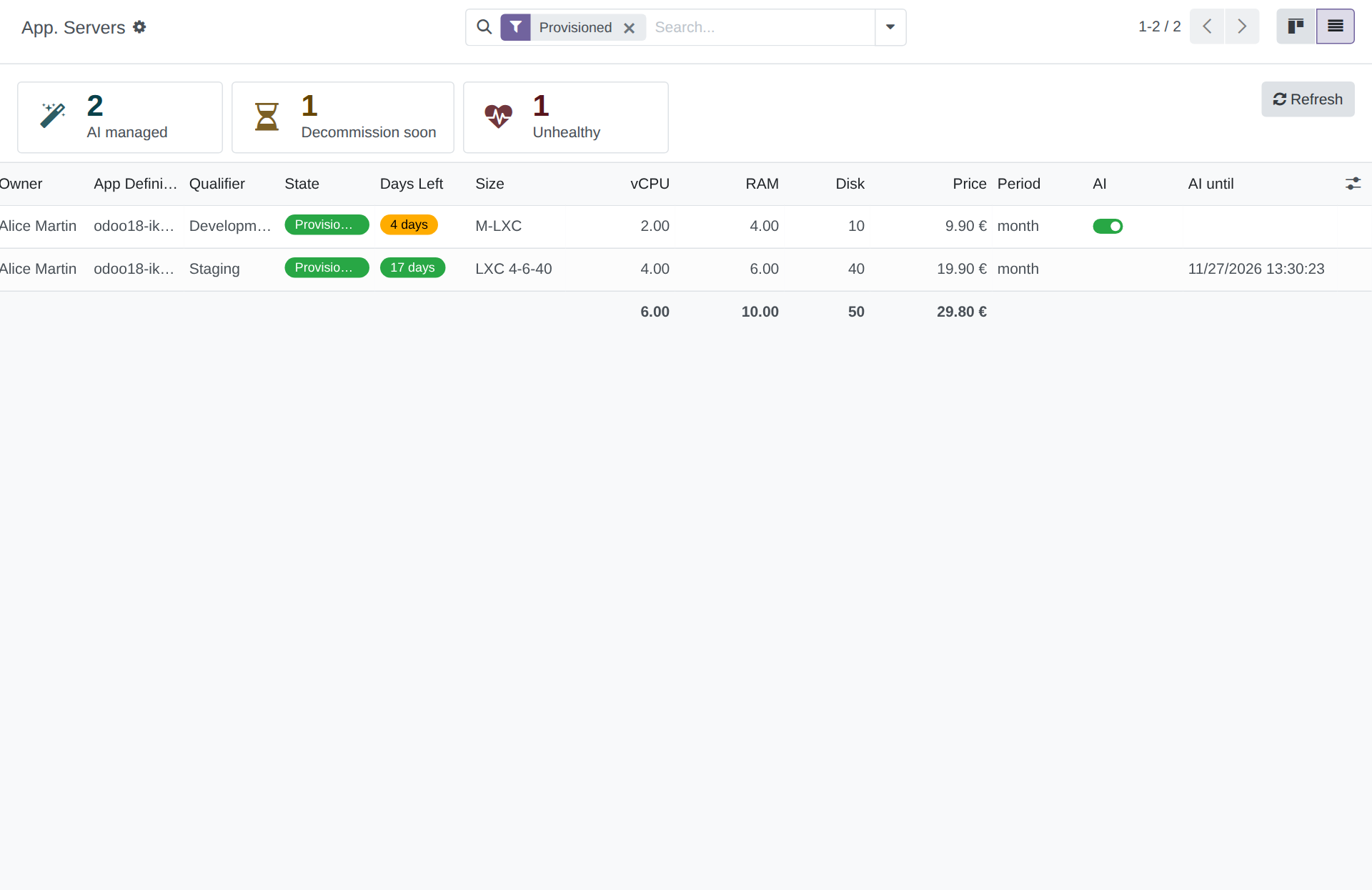
App. Servers Tiles
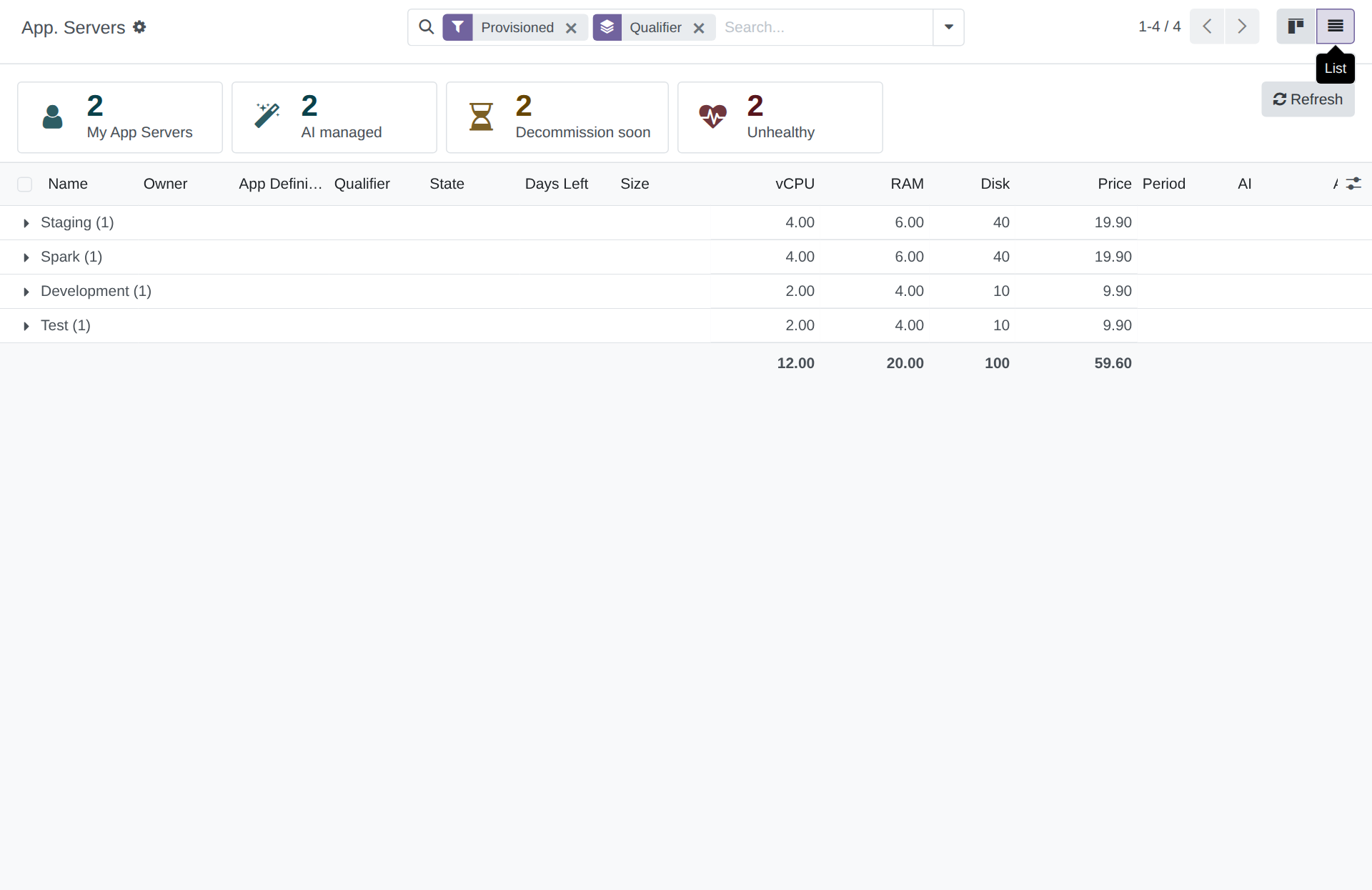
Manganese ▸ App. Servers ▸ Servers shows your App Servers as a kanban or a list. Above both views, tiles count App Servers and filter the view.
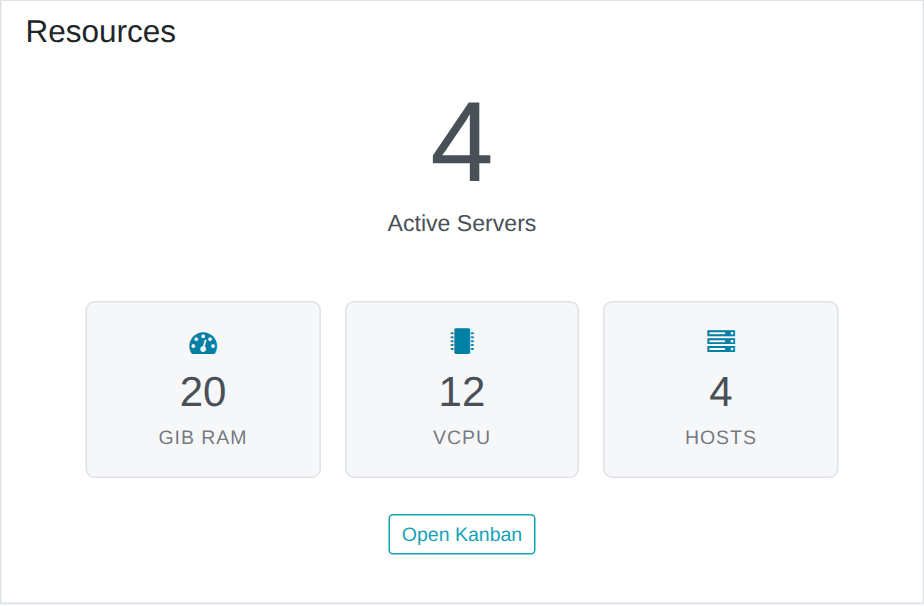
Manganese ▸ Dashboard is your home page, with your MCP connection, your setup and your resources. Its Resources card counts the provisioned App Servers you can see — yours, or the whole company's for a Manganese administrator — then the GiB of RAM, the vCPU and the hosts they run on, each host counted once. Open Kanban opens the App Servers.
The tiles
| Tile | Counts the App Servers |
|---|---|
| My App Servers | you own — shown to a Manganese administrator only |
| AI managed | that AI agents operate without asking for approval, for good or for a duration |
| Decommission soon | whose host is destroyed within the delay of the first reminder — see App Server Lifetime |
| Unhealthy | whose health check reports a failure |
- Click a tile: the view keeps its App Servers, and the tile's filter shows in the search bar.
- Click another tile: it replaces the first.
- Click the active tile again: its filter goes.
- Switch between the kanban and the list: the active tile stays.
- The counts follow what you search for, and ignore the active tile. The view opens with the Provisioned filter: the counts then cover the provisioned App Servers only.
- Click Refresh to read the view and the counts again.
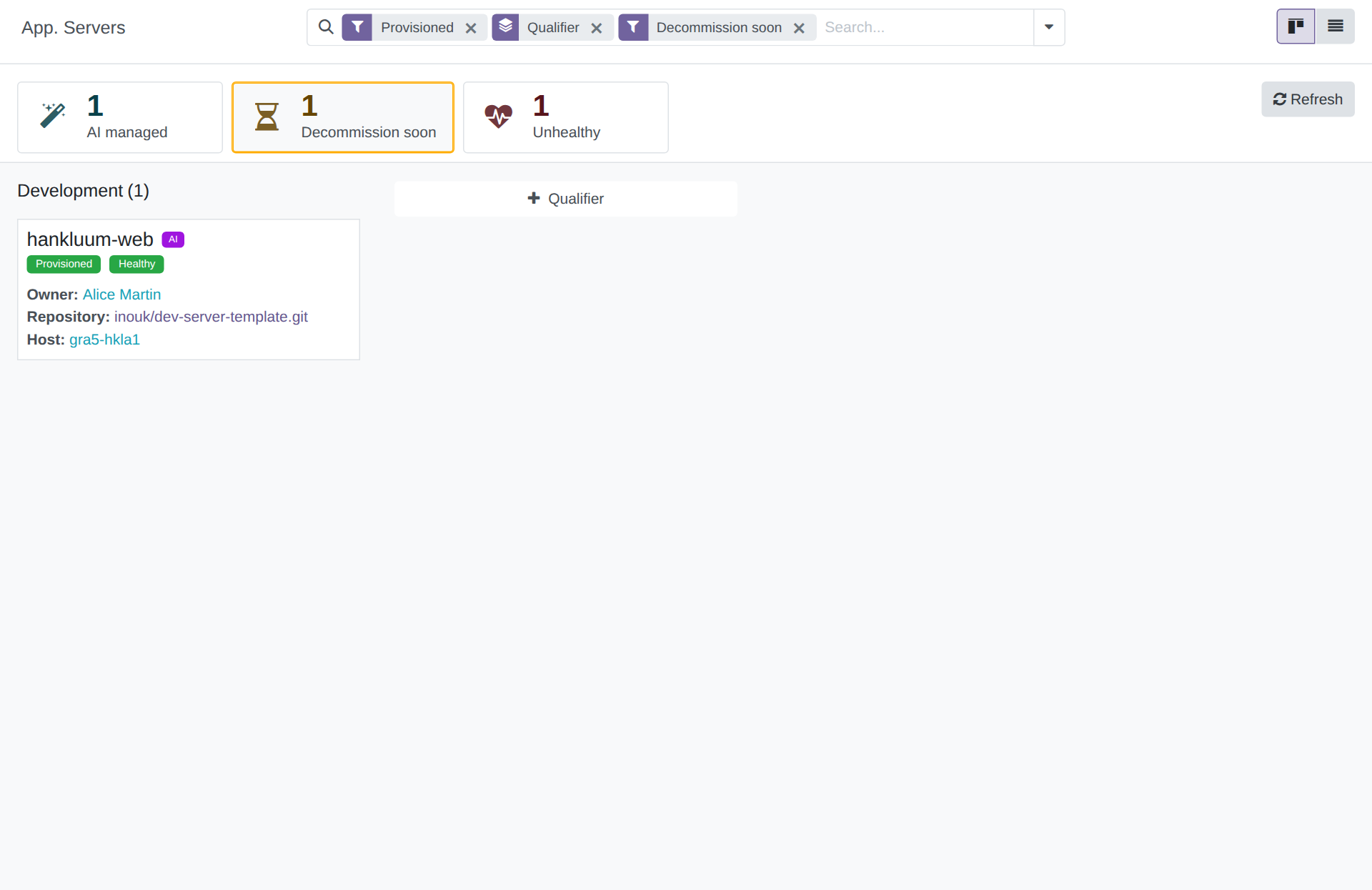
A Manganese administrator also finds Create App Server under Refresh. It opens the wizard that creates an App Server, like the menu App. Servers ▸ Create App Server.

The list
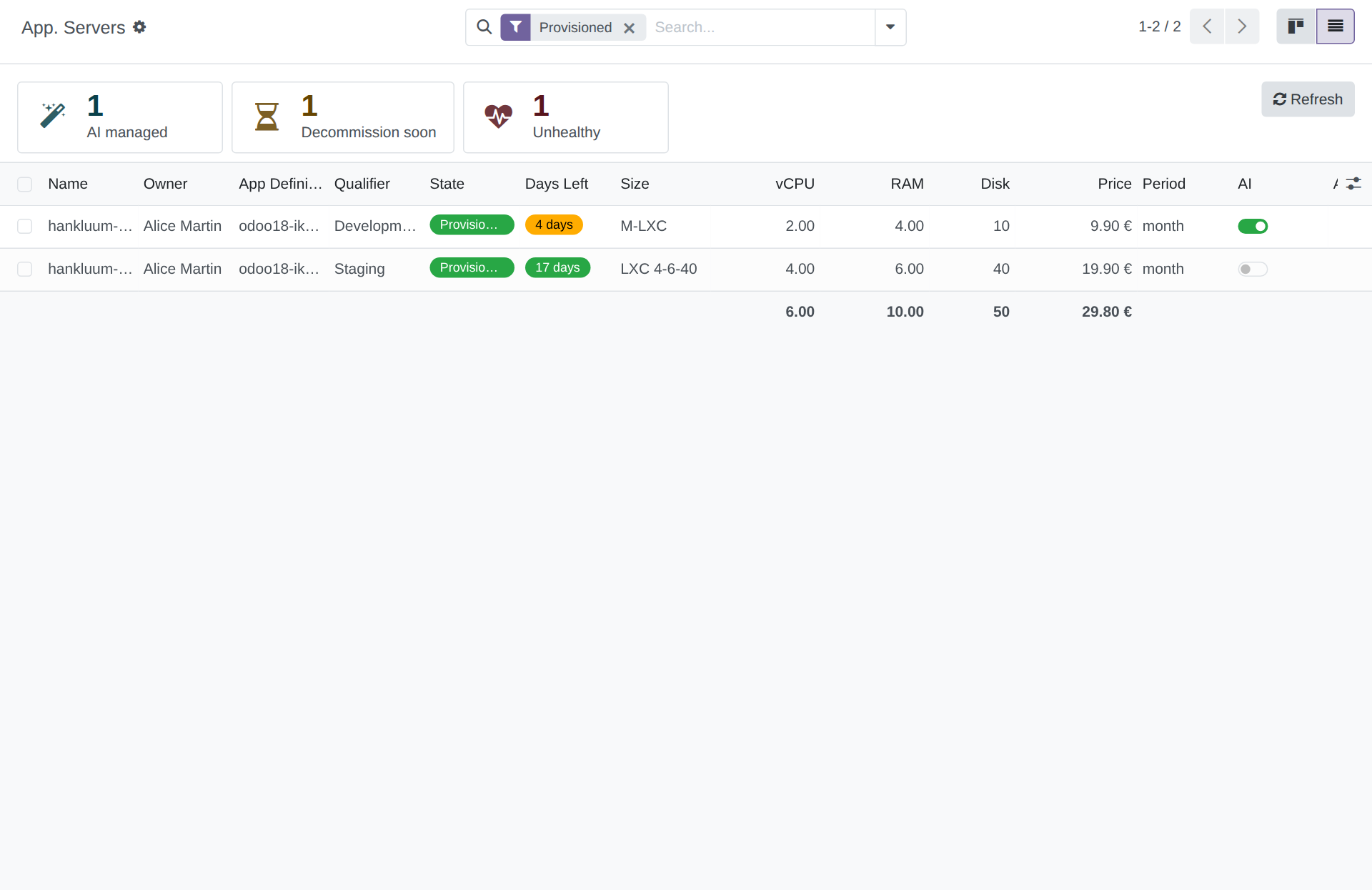
The columns: Name, Owner, App Definition, Qualifier, State, Days Left, Size, vCPU, RAM, Disk, Price, Period, AI and AI until.
- App Definition is the App Definition the App Server was created from.
- Days Left is the time left before the host is destroyed — see App Server Lifetime.
- Size, vCPU, RAM, Disk, Price and Period come from the App Server's plan.
- Hide or show Days Left, Size, vCPU, RAM, Disk, Price, Period and AI until with the column selector at the right end of the header row.
- A Manganese administrator sees the App Servers of the whole company, and the My App Servers tile.
Click a row to open its App Server.
The totals
- The last row sums vCPU, RAM, Disk and Price.
- The list opens grouped by qualifier: each group shows its own sums.
- Grouped, the total of Price shows no currency, and adds the prices whatever their currency.
- Ungrouped, the total of Price shows the currency. It shows "—" when the plans are in different currencies.
- Check rows: the last row sums the checked rows.
The AI switch
- AI switches the AI management of the App Server on or off, as on its form.
- An App Server opened to the AI for a duration (Grant for Duration... on its form) has no switch: AI until shows when the grant ends. Click Revoke on its form to end it sooner.