Enable / Disable
Enabling
Once the HA parameters are set, all that remains is installing the daemons.
Click Activate High Availability in the RCS header.
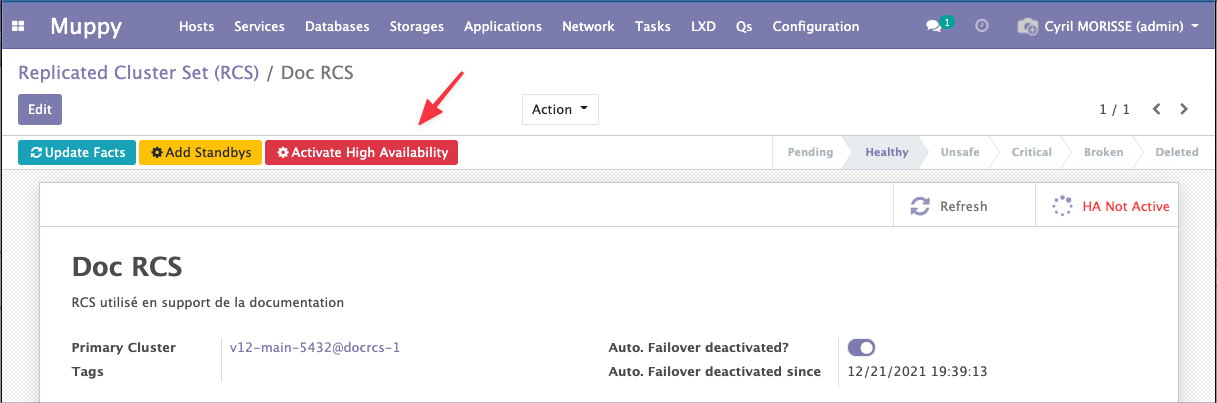
Muppy launches one pglookout installation Task per cluster in the RCS. They run in the background — follow them under Muppy / Qs.
When they finish, click Refresh. The Daemons list on the High Availability tab shows the installed daemons.
Disabling
Click Deactivate High Availability in the RCS header. Muppy launches one uninstall Task per daemon.
When they finish, click Refresh. Muppy updates the HA status and the daemon list.
Replication keeps running
Disabling HA removes the failover machinery, not the replication. The RCS stays replicated; it just stops promoting a new primary on its own.