pglookout Heartbeat
pglookout watches the primary and fails over when it dies. Nothing in pglookout watches the standbys — a standby can be down for days without anyone noticing, until the day you need it.
pglookout Heartbeat fills that gap. It:
- checks every minute that all the pglookout daemons of an RCS are reachable and working
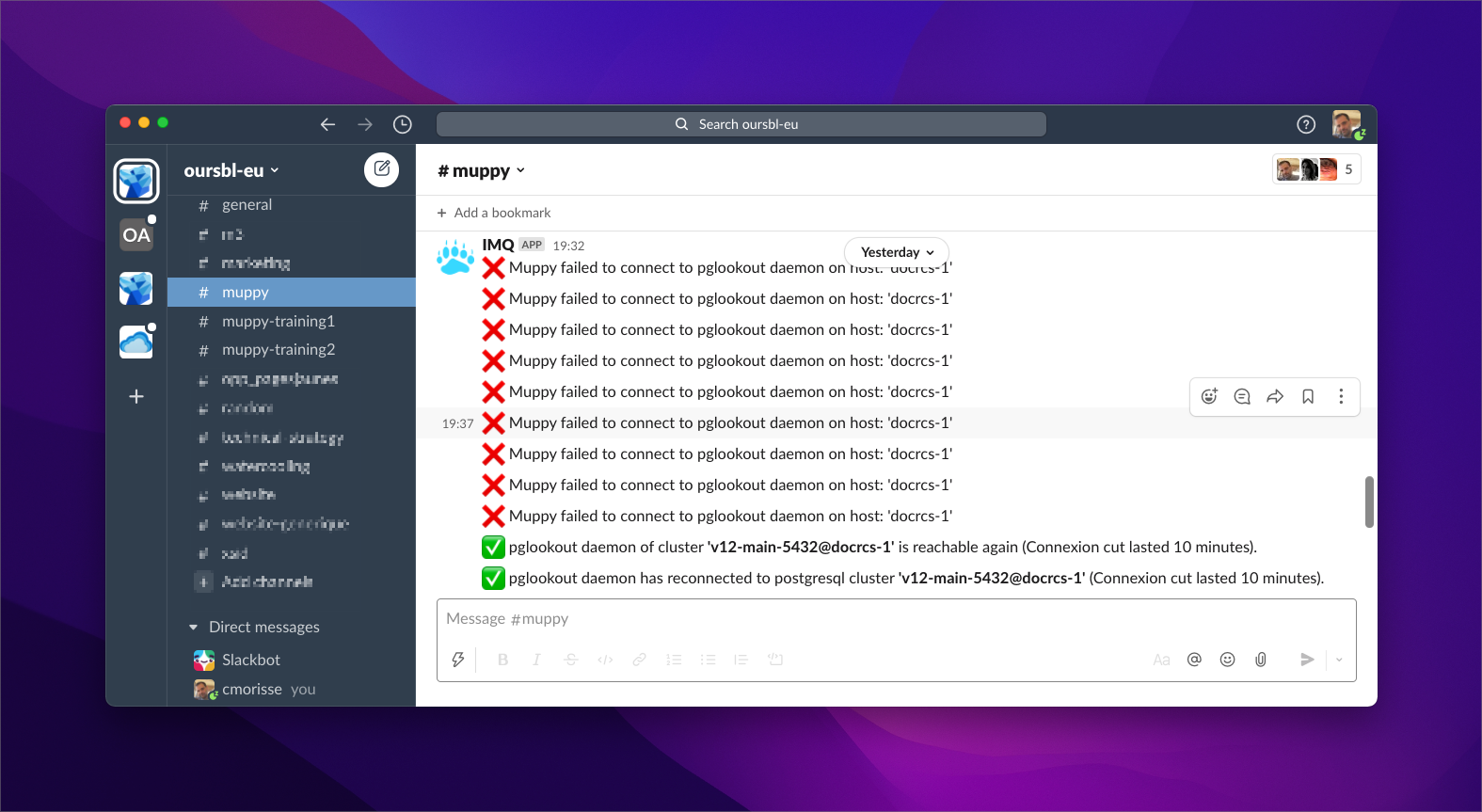
- notifies you when something breaks, and again when it recovers
Notifications go through the Muppy notification channels (Slack or Teams).
Enabling it
Success
Heartbeat is enabled automatically when you activate High Availability on an RCS.
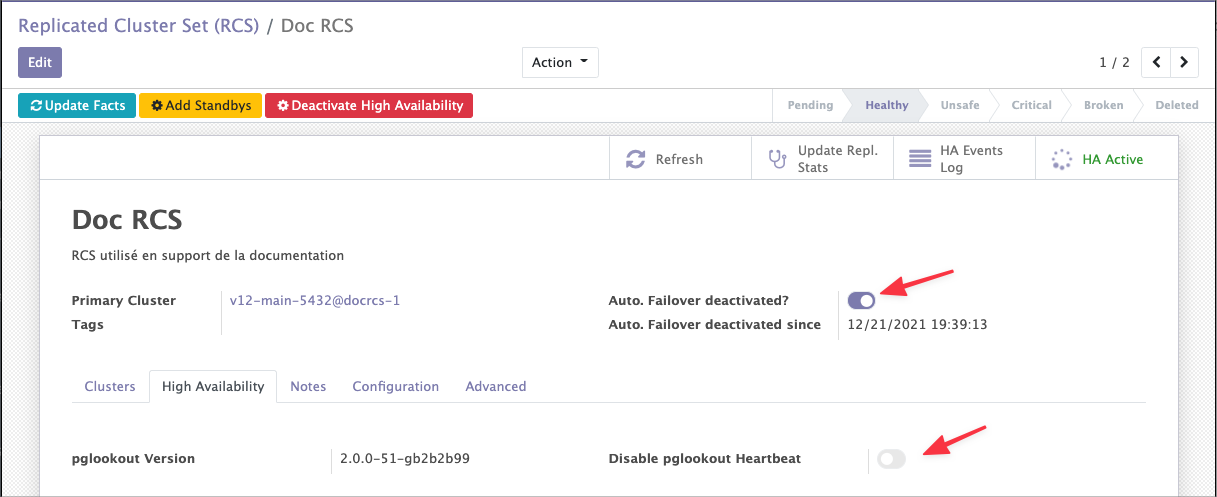
To turn it off for one RCS, tick Disable pglookout Heartbeat on the High Availability tab.
What it watches depends on Auto. Failover deactivated?:
- Auto. failover deactivated — Heartbeat watches every cluster of the RCS, primary included.
- Auto. failover active — Heartbeat watches the standbys only, because pglookout already covers the primary.
Reading the results
Heartbeat updates the daemon list on the RCS's High Availability tab:
- Row colour — green if the last check passed, red if it failed.
- Last pglookout cnx. — when Heartbeat last reached the daemon's State URL. This says nothing about the PostgreSQL cluster itself.
- Last PGCluster cnx. — when the daemon last connected to its PostgreSQL cluster successfully.
Read them together: a fresh pglookout timestamp with a stale cluster timestamp means the daemon is alive but its database is not.
Success
Each time Heartbeat reaches a daemon's State URL, it records the result as a QUERY_STATE entry in the HA Events Log.
Checking now
Check all Daemons, on the High Availability tab, runs an immediate check of every daemon.