S3 Objects
WAL-G stores its files in the bucket you set in the WAL-G configuration.
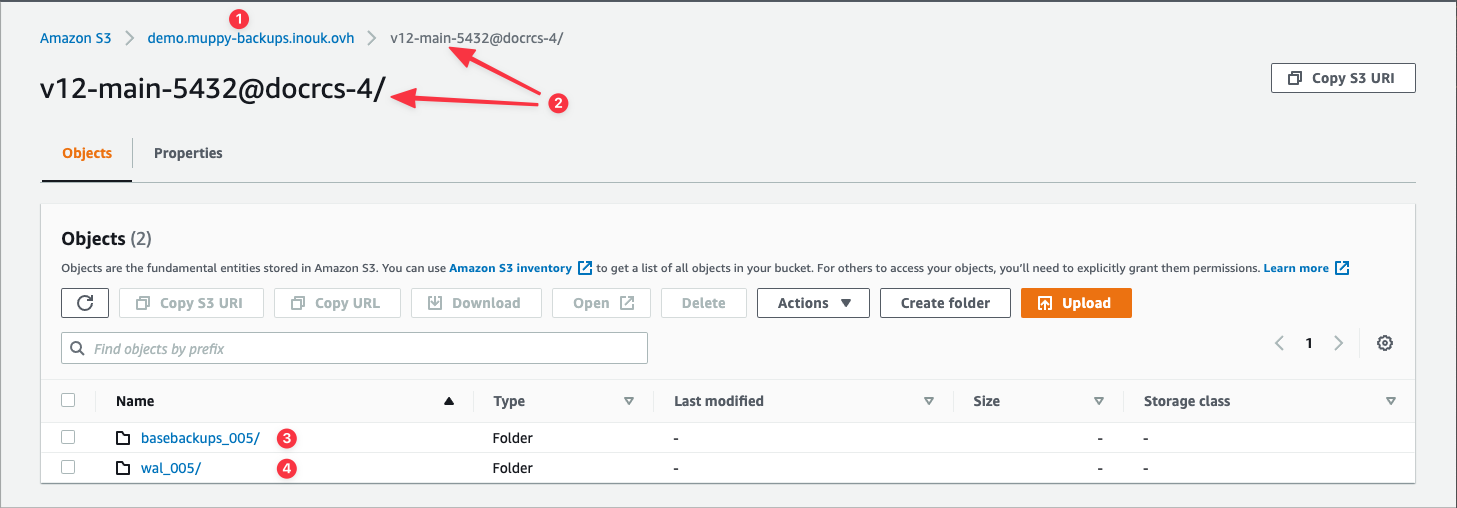
Three fields on a Cluster Backup (WAL-G) record are enough to find any of them:
- the S3 Bucket (#1)
- the Cluster Backup Name (#2)
- the WAL-G Backup Name (#3)
Open the bucket in whatever tool you use — the AWS console in the examples below. The numbers below match the annotations on the screenshots.
Open the S3 Bucket (#1). At the root you find a folder named after the Cluster Backup Name (#2). Inside it, two folders:
basebackups_…(#3) — the cluster backupswal_…(#4) — the WAL Segments
Inside basebackups_
One folder per cluster backup, each named after that backup's WAL-G Backup Name (#3 on the Cluster Backup form).
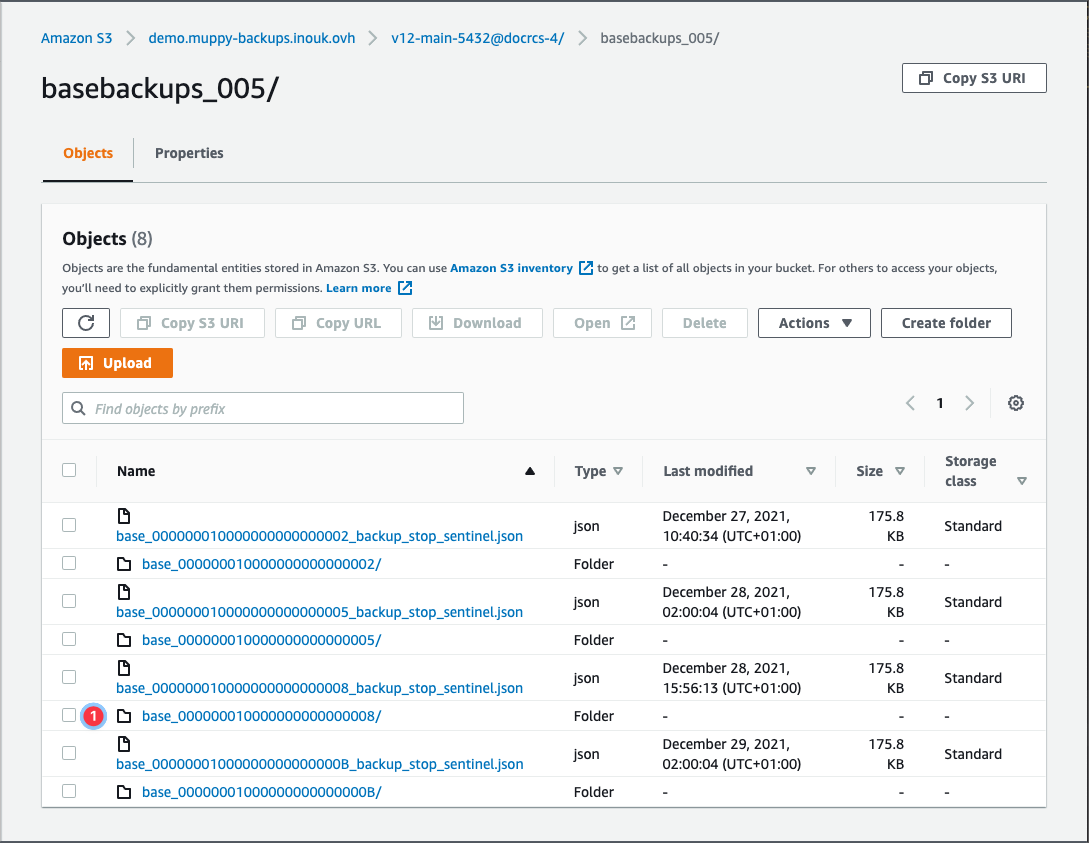
That folder (#1) holds the files and subfolders that make up one cluster backup.
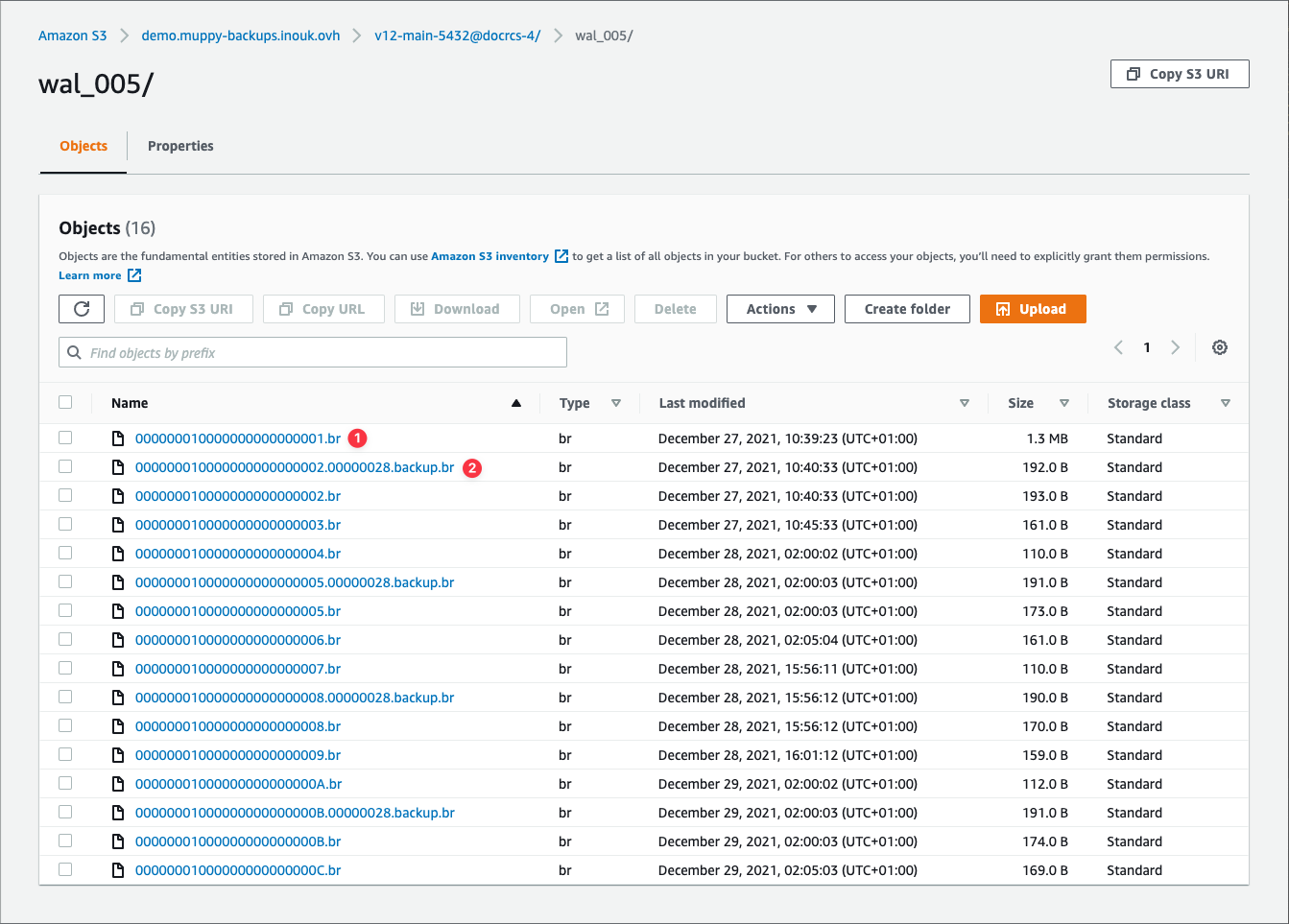
Inside wal_
Two kinds of file:
- the WAL Segments
- one file per cluster backup
An active cluster produces one WAL file per minute. A quiet one produces them irregularly — which is the case below.