Monitoring Replication
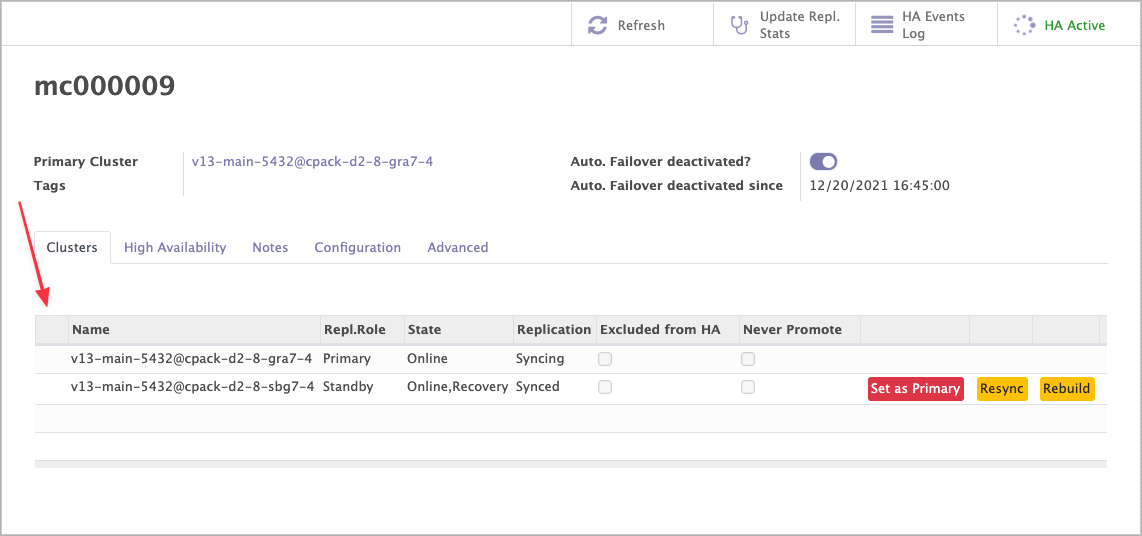
The cluster list on the RCS form opens each member's replication statistics.
Primary cluster statistics
Click the primary's line. The form shows the WAL sender processes feeding the standbys.
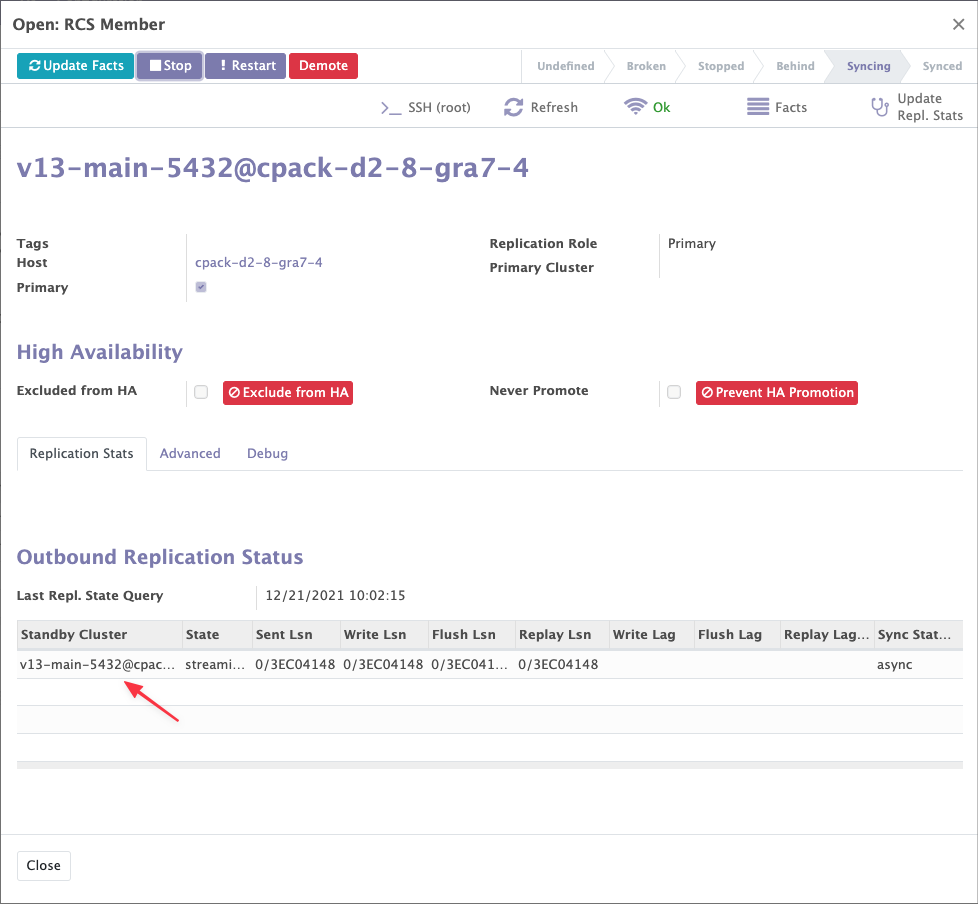
For what each column means, see the PostgreSQL docs for your server version — for example pg_stat_replication.
Standby statistics
Click a standby's line. The form combines:
- the
pg_stat_wal_receiverview - the recovery status, computed from this query:
SELECT
    now() as db_time,
    pg_is_in_recovery(),
    pg_last_xact_replay_timestamp(),
    pg_last_wal_receive_lsn(),
    pg_last_wal_replay_lsn(),
    CASE WHEN pg_is_in_recovery() THEN pg_is_wal_replay_paused() ELSE false END AS pg_is_wal_replay_paused;
From these Muppy derives the replication lag, in seconds and in bytes.
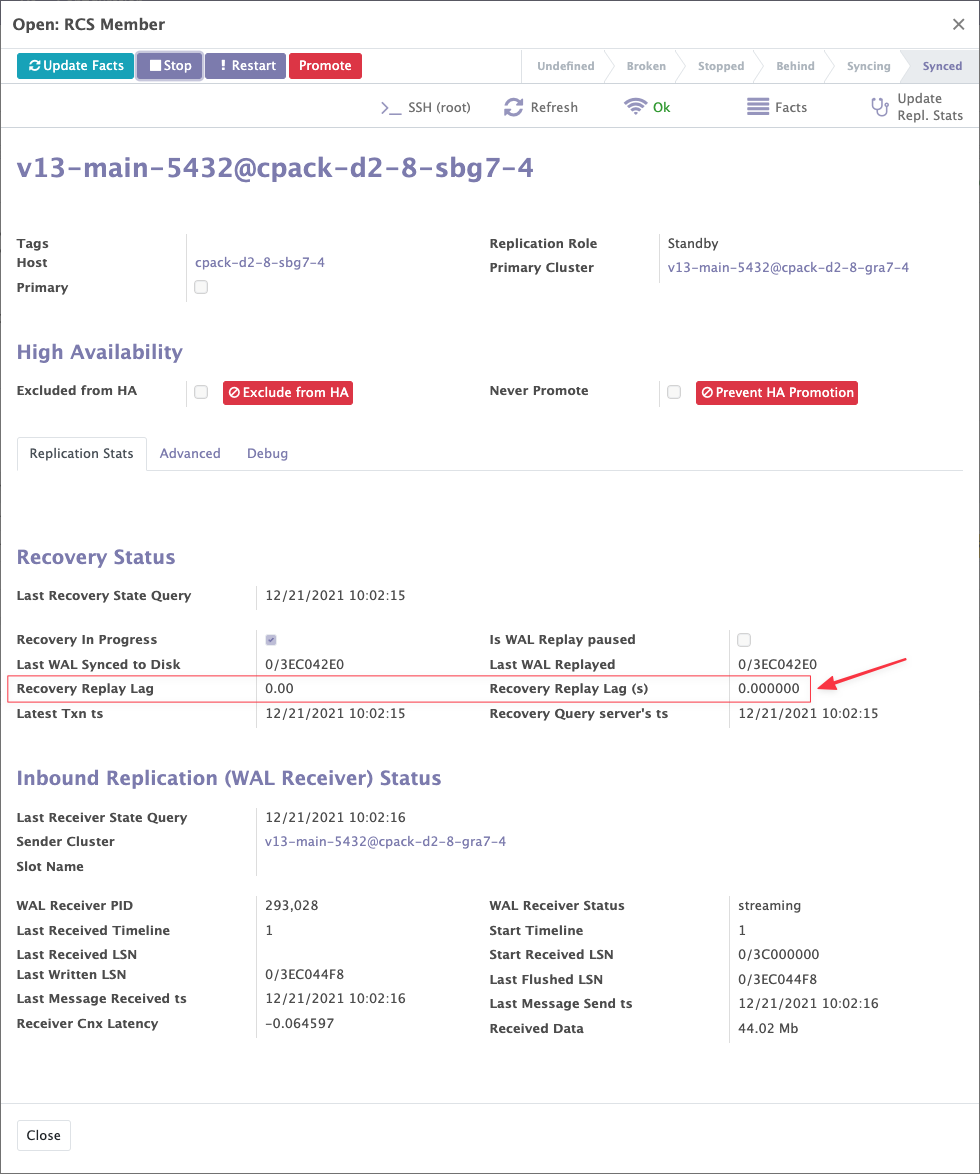
See pg_stat_wal_receiver for the full description.
Refreshing the statistics
Update Facts in the RCS header refreshes the statistics of every member.
The Update Facts button on an individual cluster refreshes that cluster only.